From paper to tablet: How to make the transition in your neuropsychology practice
Switching from paper forms to a tablet involves more than just installing a program. It changes how you prepare for the session, how the patient reacts the first time, and how progress is documented. Here’s what typically happens in the first few weeks—and how to handle it without disrupting your practice.
Why the transition isn't just about buying a tablet
Most guides on digital cognitive stimulation focus only on the benefits: greater motivation, more personalization, and automatic reports. All of that is true, and we’ve already covered it in detail in our comparison of paper worksheets and software. What’s rarely discussed is what happens during the first few weeks: how the routine of preparing sessions changes, how a patient who’s been using the same laminated worksheets for two years reacts, and what to do with the filing cabinet full of materials you already have.
That's what this article is about: the process, not a list of reasons to take the plunge.
What's changing in session preparation
With paper worksheets, preparing a session usually involves printing, laminating, or searching through folders for the exercise appropriate for the patient’s level that week. If the patient improves, you have to find or create a more difficult version; if they worsen, an easier one. That manual adjustment work disappears with a platform like Rehametrics Cognitivo: you select the areas to work on (attention, memory, working memory, processing speed, language, or executive functions), and the system itself adjusts the difficulty exercise by exercise, without having to redo material between sessions.
The platform also offers pre-designed sessions tailored to common profiles, such as older adults or those with cognitive impairment, which can be used as is or modified. In practice, the time that used to be spent preparing materials is now devoted to reviewing results and adjusting goals—which is where the professional’s expertise adds the most value, rather than simply sorting worksheets into folders.
How to approach the first session with an existing patient
A common mistake is switching to the new tool for all patients at once. It’s usually better to start with two or three—ideally those who show the least resistance to change—and keep the rest on paper while the professional gets comfortable with the program.
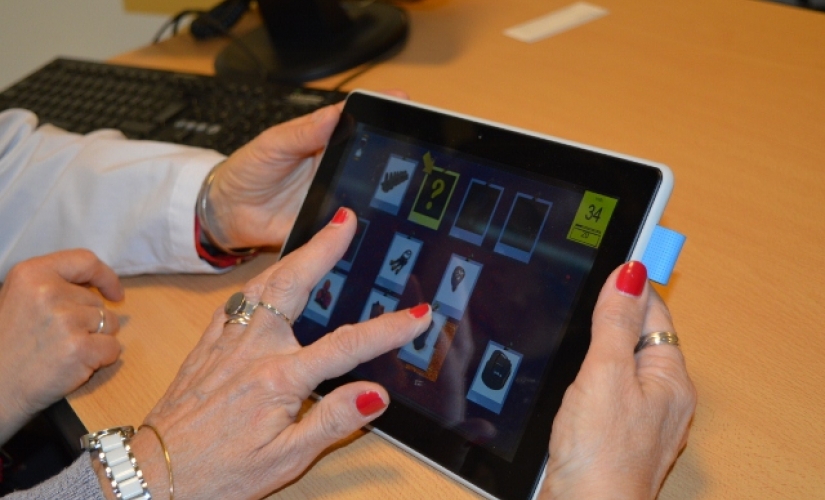
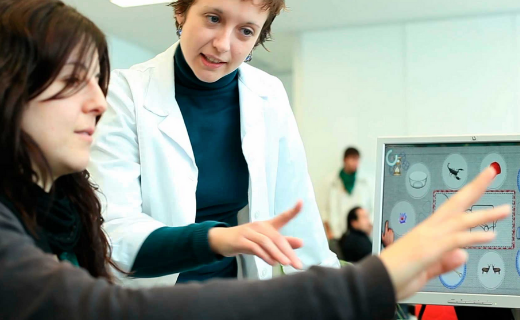
For the patient, it’s best to present this as a continuation of the same work, not as something entirely new: “We’re going to keep working on your memory, only now on this screen.” The cognitive exercises are conducted using a large touchscreen tablet—without a keyboard or mouse—designed so that someone with no prior experience with technology can use it without that becoming an additional obstacle to the exercise itself.
How do elderly patients typically react?
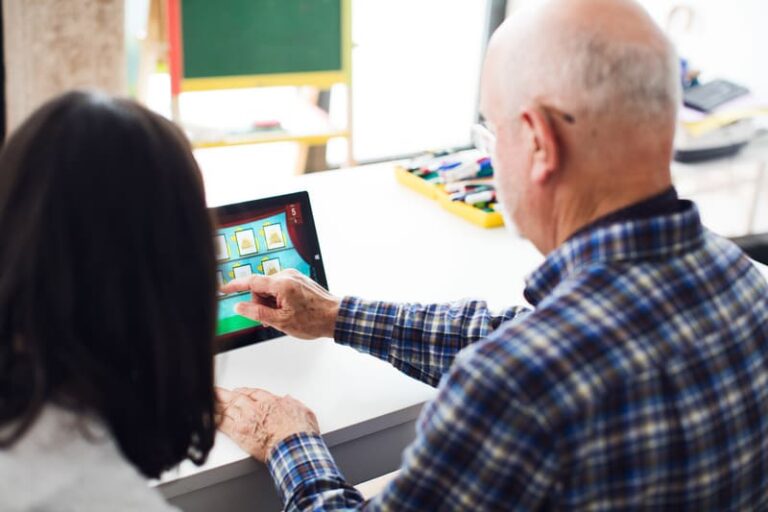
Not everyone reacts the same way. Some patients adapt with hardly any explanation; others need several sessions and some encouragement from the professional. What causes one patient to accept a digital activity right away and another to reject it from the very beginning is a broad topic that we’ve already covered in detail in this other article; here we’ll just mention one idea that applies directly to the transition: the professional’s own attitude toward the tool is noticeable, and a neuropsychologist who is comfortable with the tablet conveys more confidence than one who is still learning how to use it in front of the patient.
That's why it's a good idea to practice with the software in a test environment before using it with patients: to review how to set up the exercises, how to adjust the parameters, and how the results appear in the report—so you don't have to figure it out in real time in front of someone who is already feeling a bit uncertain about the change.
What to do with the paper protocols you already have
There’s no need to throw away the printed materials. Many clinics maintain a blended approach for months: the initial assessment using validated paper-and-pencil tests and scales remains the same, while the repeated practice sessions—which used to be conducted with generic worksheets for attention, memory, or math—are the first to be moved to the tablet, because they benefit most from automatic difficulty adjustment and session-to-session tracking.
It is also not necessary to transition all areas at the same time. It is common to start with one or two (attention and memory are usually the most in demand) and move on to the rest later, depending on each patient’s needs and how comfortable the professional feels with each set of exercises.
How reporting and monitoring are changing
A comprehensive neuropsychological report still needs to include the same sections as always: identifying information, reason for the consultation, medical history, assessment methods, results, diagnostic impression, recommendations, and follow-up plan. None of that is written by a program on behalf of the professional.
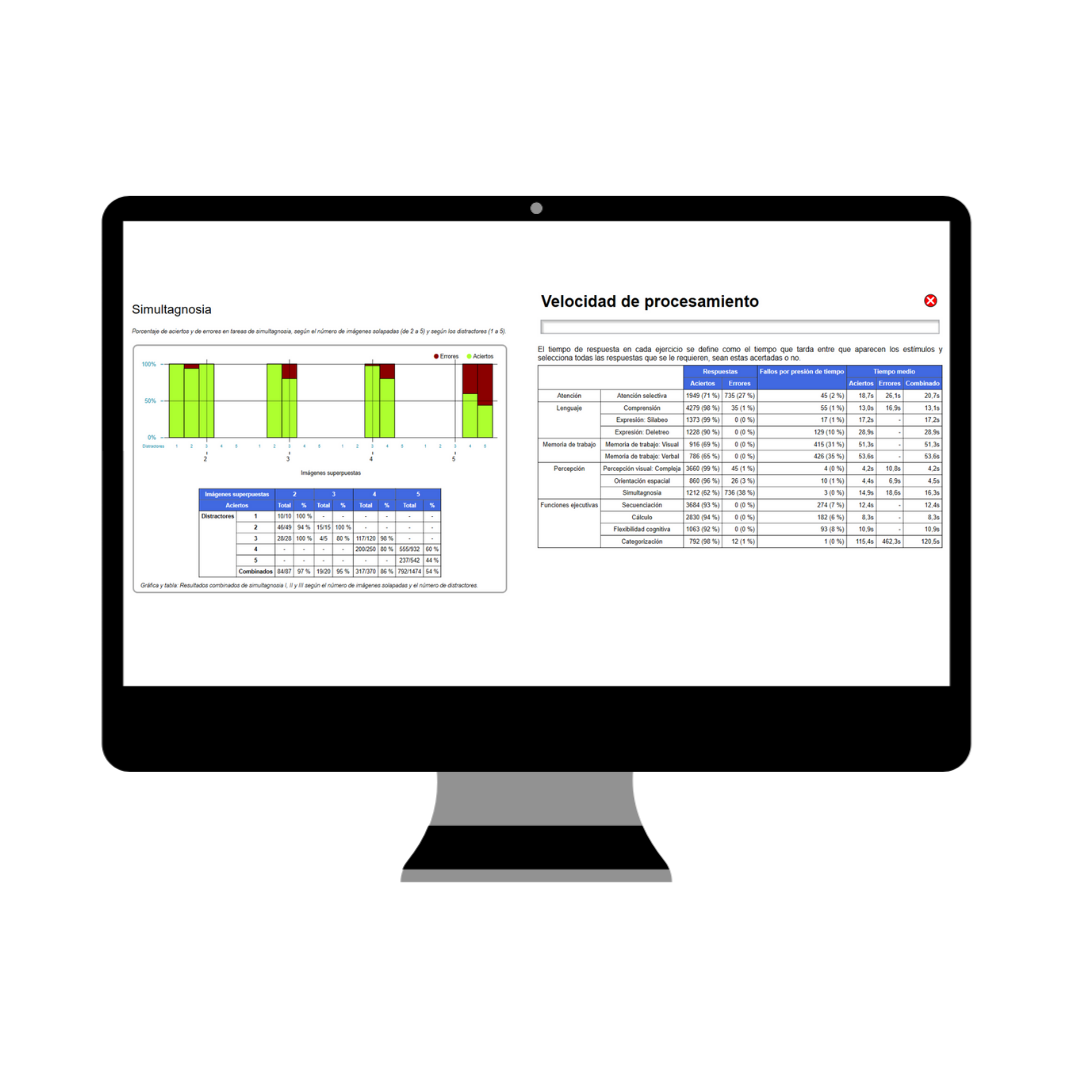
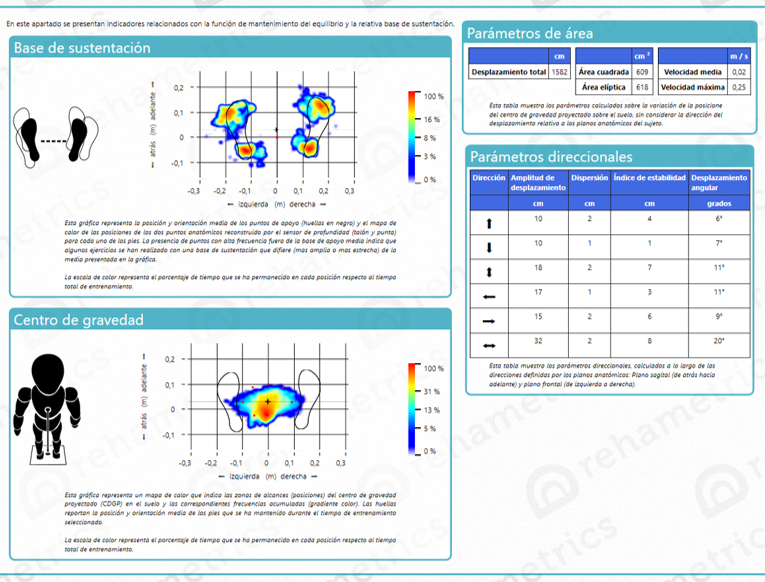
What changes is how the “Results and Progress” section is filled out. With paper forms, this data is entered by hand, noting hits and errors; with Rehametrics Cognitivo, each session is automatically recorded—hits, errors, distractors present, time-pressure errors, average completion time—and can be exported as a PDF, complete with the center’s logo and the professional’s signature, filtered by the desired date range. We go into more detail with additional examples in our article on how to automate neuropsychological reports.
In practice, this saves the time it takes to compile individual notes into a final document, but interpreting that data and turning it into a diagnosis or recommendation is the job of the person reading the report, not the software that generates it.
Rehametrics' role in this transition
Rehametrics Cognitive covers attention, memory, working memory, processing speed, language, and executive functions, with pre-designed sessions tailored to profiles such as older adults or those with cognitive impairment, and automatic difficulty adjustment for each exercise. It is operated using a touchscreen tablet or a computer, and no advanced technical training is required to get started.
None of this requires a radical change overnight. It works best as a gradual transition: some patients first, some areas before others, and keeping the paper file cabinet as a resource, not as something that needs to be replaced all at once.
Related Resources
Pre-designed sessions by profile
Attention, memory, language, and executive functions with automatic difficulty adjustment—ready to use from day one.
View module →
Reports ready for export
Correct answers, errors, and response times recorded for each session, exportable as a PDF with the professional's logo and signature.
See how it works →
Behind the software
Studies and clinical validation of the platform, for anyone who wants to review the evidence before taking the plunge.
See clinical validation →Frequently Asked Questions
Should we stop using paper forms all at once?
How long does it take for an older patient to get used to using a tablet?
Is it effective for patients with advanced cognitive impairment, or only in the early stages?
Does the automated report replace the comprehensive neuropsychological report?
What hardware do I need to get started?
Would you like to see what the transition would look like in your practice?
We'll show you Rehametrics Cognitivo with real exercises so you can assess how it would fit with your existing patients and protocols.
Request a demo