
Which cognitive stimulation software should you choose for clinical practice?
There are dozens of applications that promise to train memory or attention, and most of them were never designed for a neuropsychology clinic, a brain injury unit or a nursing home. Choosing well is not about which one has the most exercises or which one looks best; it is about whether it was built for patients, whether it records what the professional needs, whether it adapts to each person and whether it fits how the centre actually works: one to one, in groups, or with follow-up outside the session. This article goes through what to look at before deciding on any cognitive stimulation software, with what the recent evidence says and the specific questions worth putting to a supplier.
What makes cognitive stimulation software clinical rather than consumer
The first dividing line is the most important one and the one that shows up least in a demo. Consumer "brain training" apps are designed for healthy people who want to pass the time or stay active: difficulty rises in order to hook you, the interface assumes you read quickly and tap accurately, and the goal is that the user comes back tomorrow. Clinical cognitive stimulation software is designed for people with cognitive decline, brain injury, aphasia or a neurodegenerative condition, and for the professional treating them: difficulty is matched to what the person can do, every response is stored as clinical data, and the one deciding what gets worked on is the therapist.
In Europe that difference has a name. Software intended to treat patients or to follow them clinically is a medical device and must carry CE marking, with the documentation, clinical evaluation and vigilance obligations that come with it; an entertainment app does not. This blog has already covered the difference between using a games console and a clinical application. For a centre, that is the first question to put to a supplier and the one that rules out the most candidates: is it a medical device with CE marking, and who is named as the manufacturer?
Which domains it covers and which profiles it has protocols for
The total number of exercises says very little. What matters is that the cognitive stimulation software covers the domains the service actually treats — attention, memory, working memory, processing speed, language, executive functions — with several tasks per domain and several levels per task, so that one person does not exhaust the repertoire in a month and so that there is real room to progress. And that it comes with protocols designed for the profiles the centre sees, such as older adults, mild cognitive impairment, dementia, stroke or traumatic brain injury, so the professional starts from a coherent proposal and adjusts it rather than building every session from scratch.
It is also worth looking at what kind of task predominates. Pencil-and-paper tasks moved onto a screen do what they did on paper; tasks that make use of the screen — moving stimuli, measured response times, distractors that change, everyday-life scenarios — add what paper cannot. The article on digital cognitive stimulation in mild cognitive impairment summarises which domains computerised training has most backing in.
How it adjusts difficulty, and who has the final say
A cognitive stimulation session works inside a narrow band: if the task is too easy there is no work being done; if it is too hard there is frustration and dropout. Clinical software matches difficulty to the person's performance within the session itself, raising or lowering the level according to correct answers and times, and it does so without the professional having to change parameters by hand. This blog devoted an article to how the difficulty of a cognitive task is graded according to the phase after a stroke or an acquired brain injury.
The question for the supplier has two parts: how does the system decide the level of the next task, and can the professional fix it, lock it or change it when their clinical judgement says otherwise? Automatic adjustment that cannot be overridden is as unhelpful as adjustment that always has to be done by hand.
What it records and how it shows it
The most tangible advantage of digital cognitive stimulation over paper is that every response is stored. The minimum to ask of any cognitive stimulation software is that it records, per exercise and per session, correct answers, errors, response time and the difficulty level reached, and that it shows this as progress over time rather than only as today's result. Beyond that, what separates one product from another is how it presents it: whether it generates a report the patient and their family can read, another for the referring physician or the nursing home team, and whether the data can be exported.
The same caution applies to what the software does not record. That a task measures correct answers, errors and times does not mean the system interprets why someone fails; that remains the professional's work, and reports that turn an exercise score into a diagnosis deserve scepticism.

Who it is used with: one to one, in groups and outside the session
The same software has to work in three different situations, and not all of them do. The first is the individual session in the clinic, with the professional alongside and a tablet. The second is the group, which is the usual format in nursing homes and day centres: several people at once, each with their own tablet, or a session led by the professional on an interactive whiteboard with the whole group taking part. The 2023 Cochrane review of cognitive stimulation in dementia, with 37 trials and 2,766 participants, most of them in a group format, found a small but consistent benefit in cognition, with moderate-quality evidence, and a slight improvement in quality of life; the article on psychogeriatrics and technology in nursing homes develops how that fits into the day-to-day running of a centre.
The third situation is work outside the session, between appointments or at home, and here the evidence attaches a condition. A meta-analysis published in 2024 in npj Digital Medicine, covering 35 studies of computerised cognitive training, found clearly larger effects in mild cognitive impairment when the training was supervised by a professional than when the person did it alone. Put in buying terms: a home mode is worth having if the team can see what the person has done and adjust accordingly; without follow-up, it is just another app on the tablet.
Whether an 80-year-old can use it without fighting the screen
Usability decides more adherence than anything else, and it is the thing least visible in a demo run by a thirty-year-old sales rep. A 2025 qualitative study in the Journal of Medical Internet Research followed 19 older adults with mild cognitive impairment using a cognitive training programme for a month: most did not complete the intended dose, and the reasons were that they found it confusing, that it did not match their idea of what training is, and that they perceived no short-term benefit. When technology is introduced and supported well, acceptance among older adults is high, as a 2023 review of 1,853 people over 60 showed — but the interface has to help.
What to check with a real patient in front of you: the size of the stimuli and the buttons; that no long instructions have to be read; that tapping does not demand fine precision; that instructions exist in the person's own language and, if the centre needs it, in several; that it works with the sound off as well as on; and that a mistake does not produce a message that discourages. This is why the trial period has to be run with patients and not in a meeting room.
What evidence sits behind it, and of what kind
Every supplier says it has evidence; the useful question is what kind. Three levels are worth telling apart. The first is the general evidence that cognitive stimulation and cognitive training work in certain populations, which is solid in dementia and in mild cognitive impairment: a meta-analysis published in 2026 in the Journal of Neurology, with 30 trials and more than 2,000 participants with mild cognitive impairment, found a moderate effect of computerised cognitive training on global cognition. The second is evidence for the specific product: studies in which that cognitive stimulation software was used, with which patients and with what results. The third is evidence of use: how many centres use it, since when and in what kind of service.
A serious supplier separates those three levels without being asked and can say in which domains and profiles its backing is solid and in which it is not yet. The answer that should give you pause is the one where everything is already settled.
What the centre looks at: data, hardware, training and a trial
What remains is not clinical, but it decides whether the purchase works out. Data protection: this is health data, so you need to know where it is hosted, who has access, how consent is managed and what happens to the data if the relationship with the supplier ends. Hardware: that it runs on standard tablets and interactive whiteboards, which can be bought and replaced at any retailer, rather than on a proprietary device. Training and support: with specific response times and someone at the other end when a tablet will not sync at nine on a Monday morning. A trial period: with real patients, over weeks rather than in a demo, because that is the only way to check the difficulty adjustment, the recording and the usability.
How Rehametrics Cognitive answers these questions
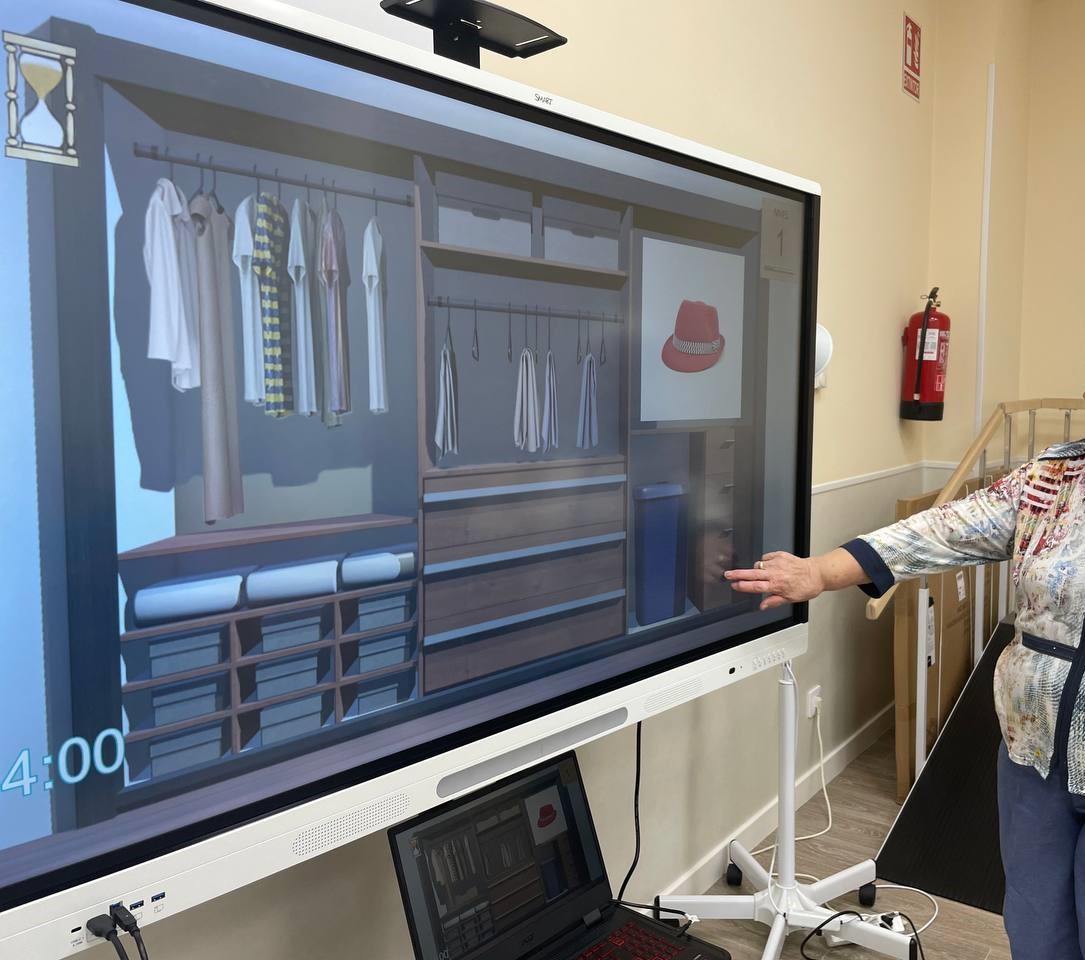
Rehametrics Cognitive is a clinical cognitive stimulation software module inside a platform that is a Class I medical device with CE marking, with Rehametrics registered as manufacturer with the Spanish Agency for Medicines and Medical Devices. It includes more than 190 exercises covering attention, memory, working memory, processing speed, language and executive functions, with protocols for older adults and cognitive decline, among others. Difficulty is adjusted automatically to the person's performance, and the professional leads the session.
Every exercise records correct answers, errors, response time and difficulty level, and the system generates printable reports and per-patient progress over time. It runs on tablets and interactive whiteboards, in individual sessions, with several people at once each on their own tablet, or in a group session led from the whiteboard, and with a mode for working outside the centre under the team's follow-up. More than 75 nursing homes in Spain use it, among them public nursing homes in several regions, and the platform brings together more than forty clinical studies. If you are coming from another programme, the article on what centres look for when changing cognitive stimulation programme collects the questions they usually ask.

More than 190 exercises on tablet and whiteboard
Attention, memory, language and executive functions, with every response recorded and per-patient reports.
View module →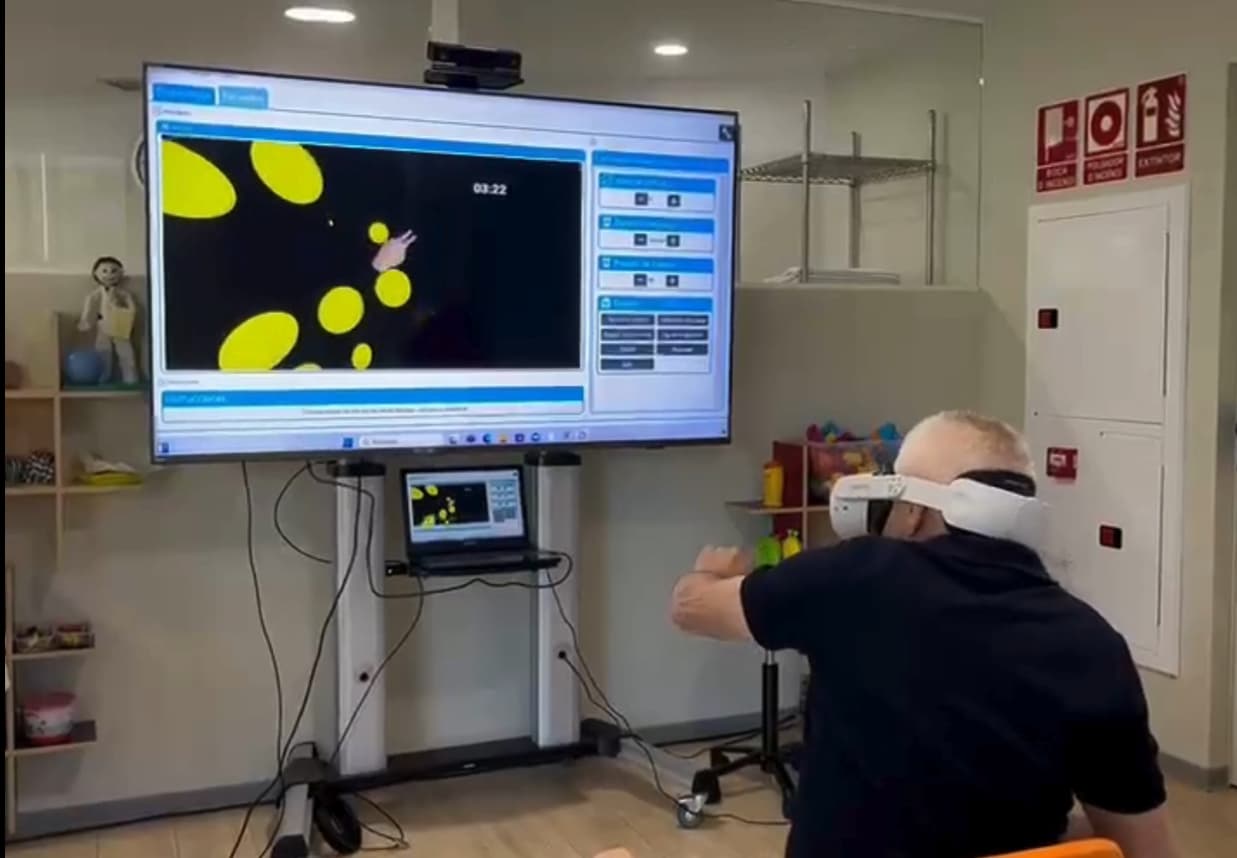
Cognition in everyday-life settings
More than 70 activities on Meta Quest, with attention tasks, dual tasks and daily activities in mixed reality.
View module →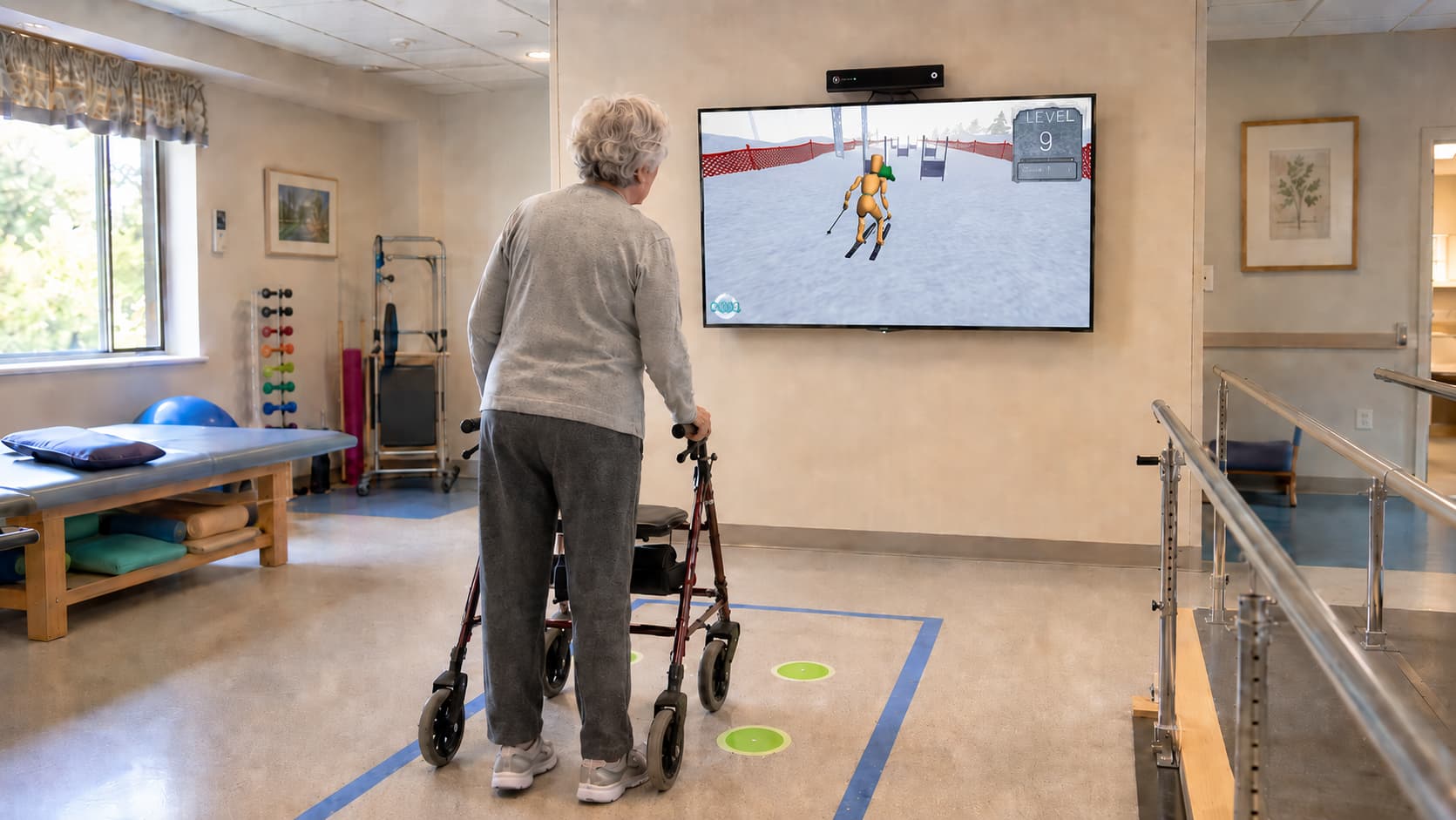
Movement and balance with a sensor
More than 120 markerless motion capture exercises, with group activities for two to four people.
View module →Frequently asked questions
Won't a brain training app from the app store do the job?
For a healthy person who wants to stay active, it may. For a clinic or a nursing home, no: it is not designed for people with cognitive decline, it does not record responses as clinical data, it does not generate reports and it is not a medical device, so the manufacturer does not answer for its use with patients.
How many exercises do we need?
Fewer than you would think, and more varied than you would think. It matters more that each domain has several tasks with several levels, and that there are protocols for the centre's profiles, than what the total figure is. A large catalogue of repeated tasks runs out just as fast.
What data should cognitive stimulation software give me at the end of a session?
At minimum, correct answers, errors, response time and the level reached per exercise, and how that compares with previous sessions. What you do with those data — interpreting them, relating them to the clinical picture, deciding the next session — remains the professional's work.
Will the same software work for the clinic and for the nursing home?
If it allows one-to-one work with a tablet, several people at once, and a group session led from an interactive whiteboard, yes. It is one of the questions that separates products most, because many are designed only for individual use.
And for the patient to work at home?
Recent evidence in mild cognitive impairment shows clearly larger effects when the training is supervised by a professional than when the person does it alone. A home mode makes sense if the team can see what has been done and adjust; the clinical judgement of when to propose it belongs to each professional and depends on each patient.
Want to test it with real patients?
We will show you Rehametrics Cognitive on tablet and whiteboard, the reports it generates, and how clinics, brain injury units and nursing homes like yours are using it as their cognitive stimulation software.