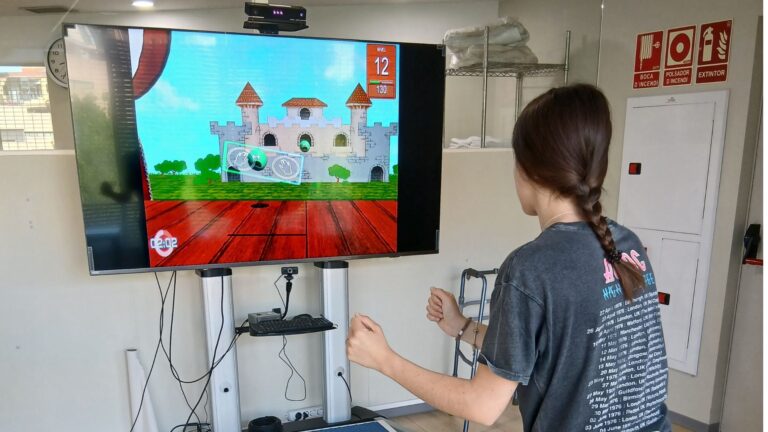
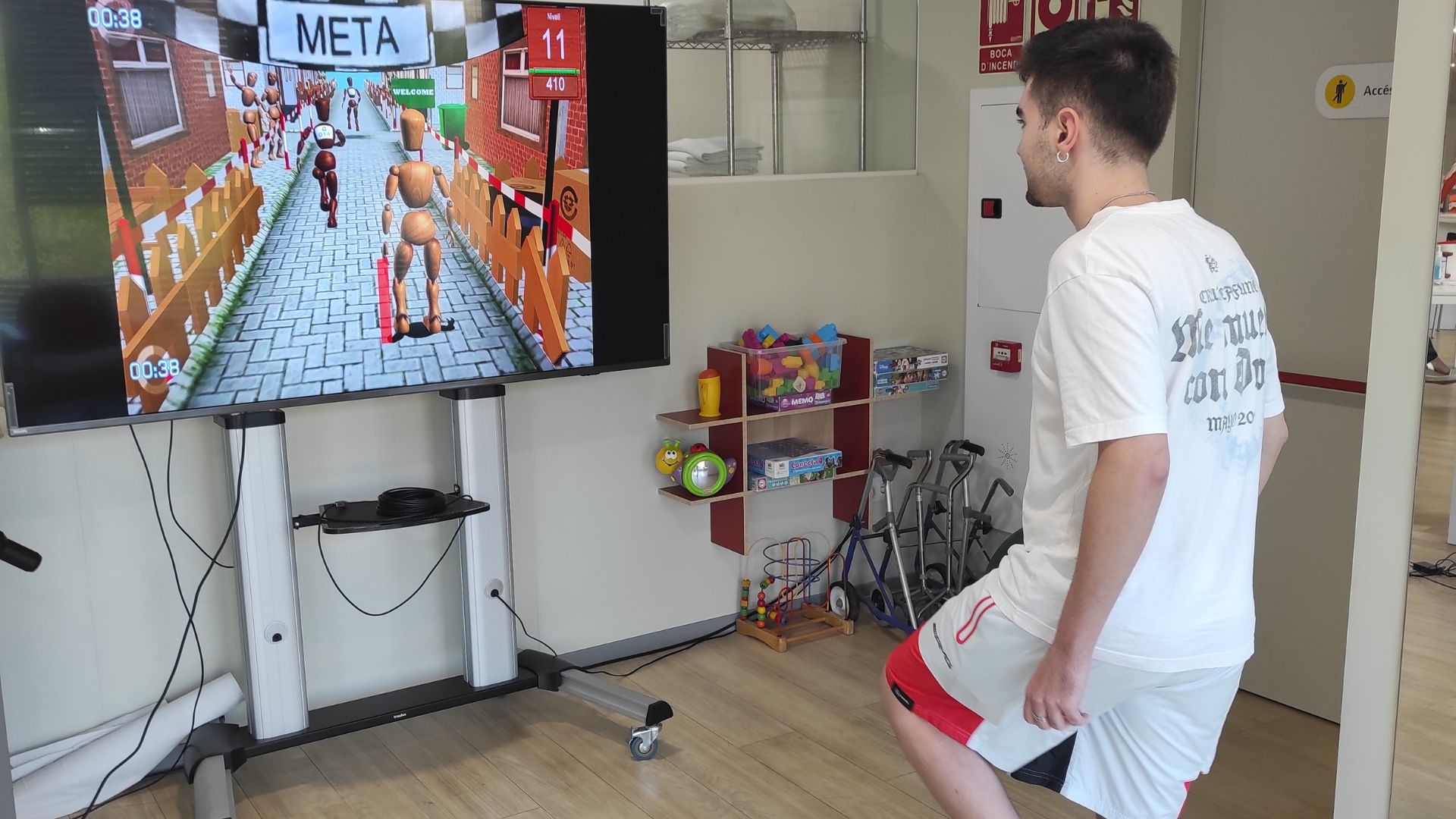
Why do some patients accept a digital activity while others reject it right from the start?
Initial resistance rarely depends solely on age or experience with screens. It often reveals a fear of making mistakes, a sense of meaninglessness, excessive difficulty, or the feeling of having lost control of the session.
The mistake of dividing patients into "tech-savvy" and "non-tech-savvy" groups
Some patients walk into the office, see a screen, a tablet, or a pair of virtual reality glasses, and immediately ask when they can try it out. Others react before we even get started: “I’m not good at this kind of thing,” “I prefer regular exercises,” or “That’s probably for younger people.”
The quickest explanation is to assume that there are tech-savvy patients and those who aren’t. But that classification falls short. There are people who use their cell phones every day yet refuse to participate in digital activities during rehabilitation. There are also patients who claim to know nothing about technology, yet get involved from the very beginning once they understand what they’re working on and feel confident they can do it.
The difference isn't just in the device. It lies in how the patient interprets what is about to happen. A digital activity can be experienced as an opportunity to move forward, but also as a test in which they will be exposed, a childish task, something they don't understand, or a situation in which they have lost control.
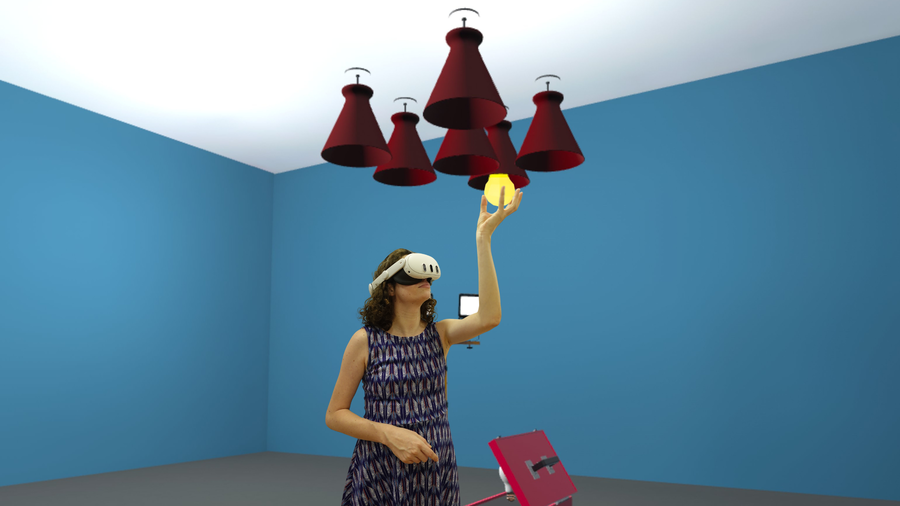
When an activity feels like a test
In rehabilitation, many people arrive after having lost the ability to do something they used to do automatically: moving with ease, maintaining focus, organizing a daily task, or using a hand the way they used to. In that context, a digital activity can easily become a threatening situation.
The screen tracks successes and mistakes. Movement is visible. The time is displayed. For the therapist, this information helps adjust the intervention. For the patient, it may feel like confirmation that they are moving more slowly, are less precise, or are unable to do something that previously required no effort.
This can manifest in very different ways. A patient with persistent pain may interpret a movement task as a test of how much pain they can tolerate. A person who has had a stroke may fear that a coordination activity will reveal their difficulties. Someone with cognitive impairments may feel uncomfortable if they perceive the session as having turned into an evaluation.
The way you present the proposal completely changes that experience. It’s not the same to start by saying, “Let’s do this exercise,” as it is to explain: “We’re going to spend a few minutes on this activity to practice this movement step by step. I’ll adjust the difficulty, and we’re not trying to do it perfectly; I want to see where we can safely move forward from.”
In the second case, the activity is no longer a test. It becomes part of the treatment plan.

When the patient doesn't understand what it's for
An activity may seem appealing, yet still be met with resistance. The problem arises when the patient is unable to connect it to something that truly concerns them.
A person with shoulder pain might wonder what a reaching task has to do with getting dressed again without discomfort. A patient with cognitive difficulties might not understand why they have to select stimuli on a screen if their problem is organizing themselves at home. Someone with instability might think that moving their body in front of a television has nothing to do with regaining confidence when walking down the street.
When that connection isn't explained, the activity may seem like just another game added to the session. It may even give the impression that the professional is replacing the treatment with something more eye-catching but less serious.
Technology makes sense when it's presented as a way to develop a specific skill. There's no need to turn every task into a long explanation. Sometimes two sentences are enough:
- “This exercise lets us practice weight shifts without having to keep track of the number of repetitions.”
- “We’re going to work on reaction time and focus, two things you need when you get distracted while multitasking.”
- “Today, I don’t want you to force the movement. I want you to check again to make sure you can move your arm within a range that feels safe to you.”
When patients understand the goal, they stop judging the activity based on its appearance and start evaluating it based on how it can help them recover. This idea is also linked to how a clinic highlights the value of its treatment, as we discussed in “How to Differentiate a Rehabilitation Clinic from the Competition.”
Difficulty, uncertainty, and perceived control
An activity may be well adapted from a technical standpoint and yet still be too demanding for the patient. It may be low in difficulty, but require a response speed that causes anxiety. It may require little movement, but too much attention. It may be simple in theory, but contain many visual stimuli, rapid instructions, or overwhelming sounds.
That’s why customization isn’t just about raising or lowering difficulty levels. It also involves deciding how long the task will last, what kind of feedback will be displayed, how many stimuli will appear, which hand will be used, whether the patient will work while sitting or standing, how much leeway they have to make mistakes, and what level of supervision they need.
In some sessions, the best approach isn't to make the activity easier. It's to make it more predictable. When the patient knows what to do, how long it will take, and when they can stop, it reduces the feeling of uncertainty. And uncertainty can be more limiting than the difficulty itself.
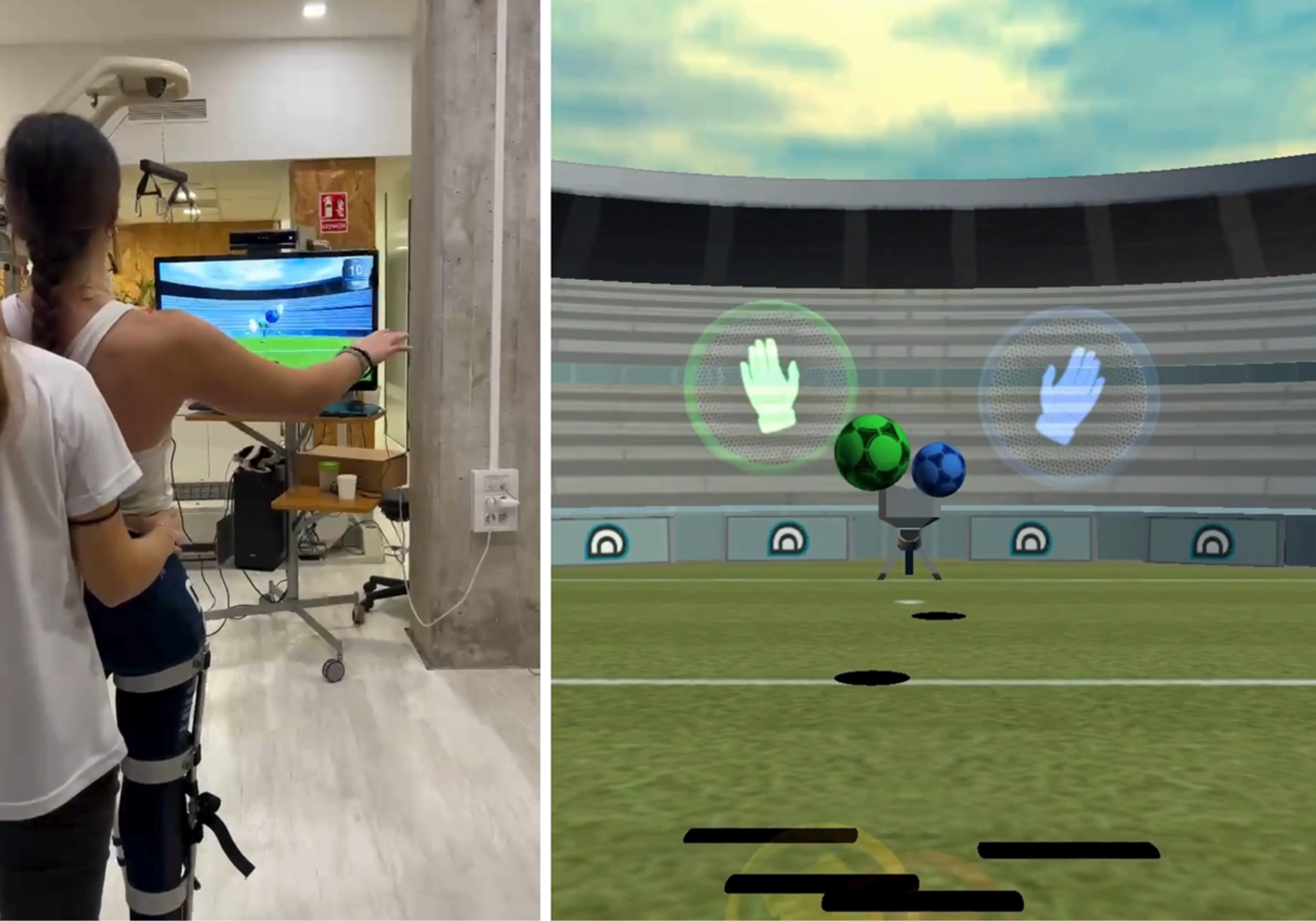
The first minute can make or break the experience
Technology is often presented with overly high expectations: “You’re going to love this,” “You’ll see how much fun it is,” or “Time just flies by with this.” Although the intention is good, these phrases can create distance if the patient doesn’t immediately connect with the idea.
The first minute should have a different goal: to show that the person is capable of participating.
That might mean starting with a very specific and achievable action—a small step, a simple response, or an interaction in which the patient confirms that they understand what is expected of them. When that initial sense of competence emerges, the starting point of the session shifts: the patient is no longer faced with an unfamiliar tool but begins to have their own experience with it.
It's not always about simplifying things. It's about creating a starting point that allows people to move forward without feeling defeated before they even begin.
This is especially important for people who have started to avoid movement out of fear of pain or a relapse. In such cases, digital activity should follow the principle of gradual exposure and not become a test that confirms the threat. We explore this approach in more detail in our article on chronic low back pain, chronic neck pain, and gradual exposure to movement.
Rejection is also clinical information
When a patient refuses to participate in a digital activity, it can be tempting to either push too hard or give up without investigating what happened. Both options can result in valuable information being lost.
Resistance may indicate fear of movement, low self-perceived ability, fatigue, hypersensitivity to stimuli, difficulty understanding, pain, previous negative experiences, or a lack of connection with the session’s objectives. It may also indicate something simpler: the chosen activity is not a good fit for that patient at that moment.
That doesn't make the technology a failure. It turns the patient's reaction into a clinical finding.
Sometimes, the best approach is to adapt the task. Other times, it’s best to change when it’s introduced. In some cases, it’s best to start with a more familiar activity. And in others, the most helpful thing is to save the tool for another session.
How to Integrate a Digital Activity Without Replacing the Therapist
A digital activity can help make progress more visible, increase practice, provide immediate feedback, or create situations that would be difficult to replicate otherwise. But none of that happens automatically just by turning on a screen.
With Rehametrics, the professional can select activities, adjust parameters, and review the results of each session to tailor the intervention to the clinical goal and the patient’s response. This allows for adjustments to the difficulty, duration, type of interaction, posture, or feedback, rather than forcing the patient to adapt to a fixed task.
The tool can provide a record and visual stimulation. The therapist remains the one who decides what to work on, when to move forward, what to explain, and when an activity is not appropriate for that patient.
When technology is well integrated, the patient doesn’t feel like they’ve come to “use a machine.” They understand that they are engaging in an activity designed to address a specific issue, with a professional who observes, adapts, and works with them to decide how to move forward. That difference defines the patient’s experience with technology in rehabilitation.

Tools for tailoring each patient's experience
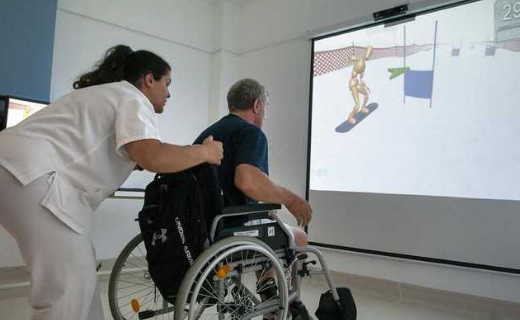
Motion Feedback
Physical activities in which the therapist can adjust the level of difficulty and use visual feedback to make the goal of each session easier to understand.
View module →
Customizable functional experiences
Cognitive exercises that can be tailored to each person's clinical goal, pace, and cognitive tolerance.
View module →
Results that can be explained
Reports and records that make it easier to discuss the patient's progress with them and adjust the treatment plan in a reasoned manner.
See clinical validation →Frequently Asked Questions
Does age determine whether a patient will accept a digital activity?
What should you do when a patient refuses to participate in an activity from the start?
How can you incorporate a digital activity without making it seem like a game tacked onto the session?
Does customization just mean changing the difficulty level?
Can technology replace the therapist's explanations and support?
Would you like to see how to tailor the digital experience to each patient?
We'll show you how to customize activities, adjust the workload, and use session results so that the technology serves a clear clinical purpose from the very beginning.
Request a demo